Handpicked by our experts, these standout baby products offer exceptional value, performance, and peace of mind for growing families.
Best Baby Monitor Without WiFi (2026 Guide): Why No-WiFi Monitors Are Making a Comeback

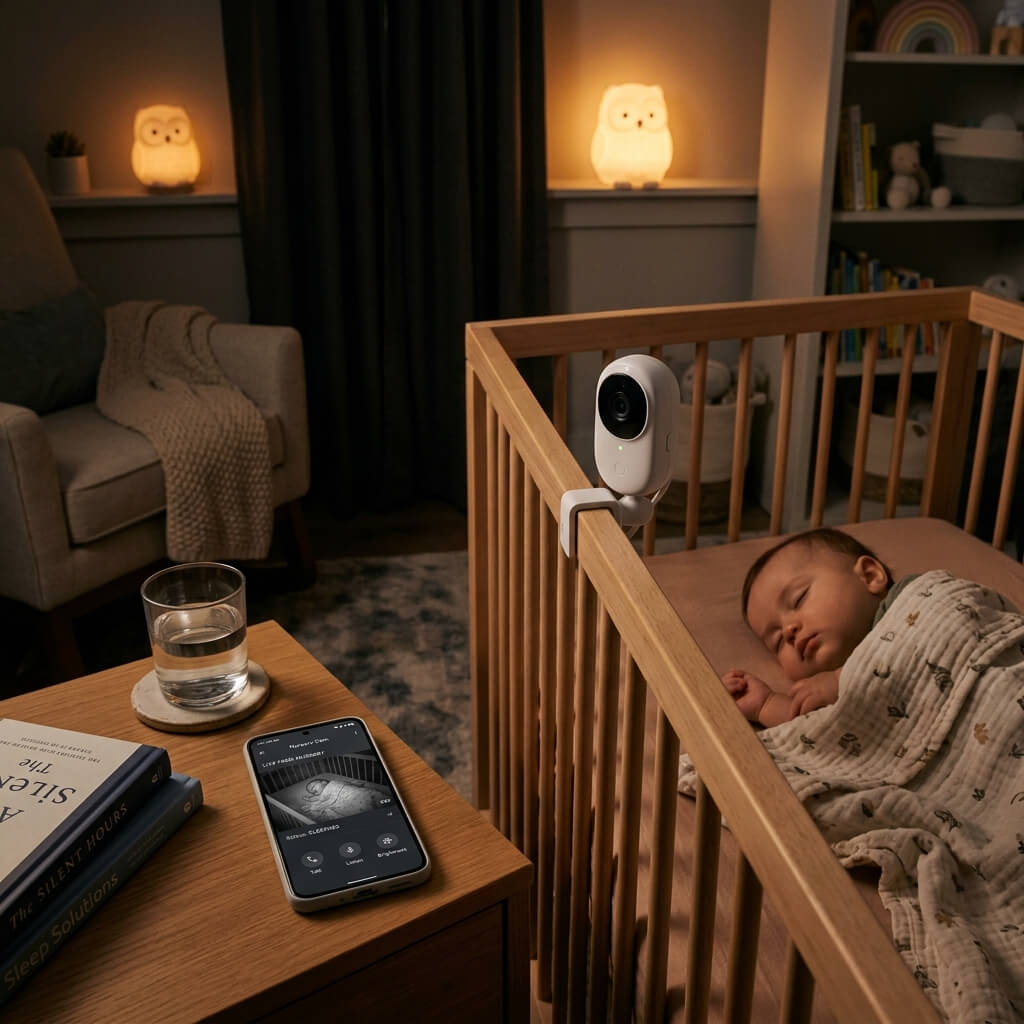
If you’ve searched “best baby monitor without WiFi” or “baby monitor no WiFi,” you’re part of a growing group of parents rethinking the smart-home approach to nursery tech. WiFi baby monitors promise convenience — check in from anywhere, get app alerts, share access with grandma — but that convenience comes with a real question: do you want a live camera feed of your baby connected to the internet? This guide breaks down exactly what a no-WiFi baby monitor is, why parents are choosing them, and which models are worth your money in 2026.
(Already comparing options? Jump to our 7 Best Baby Monitors Compared for 2026 or our Jartoo 2K Baby Monitor Review.)
What Is a “No-WiFi” Baby Monitor, Exactly?
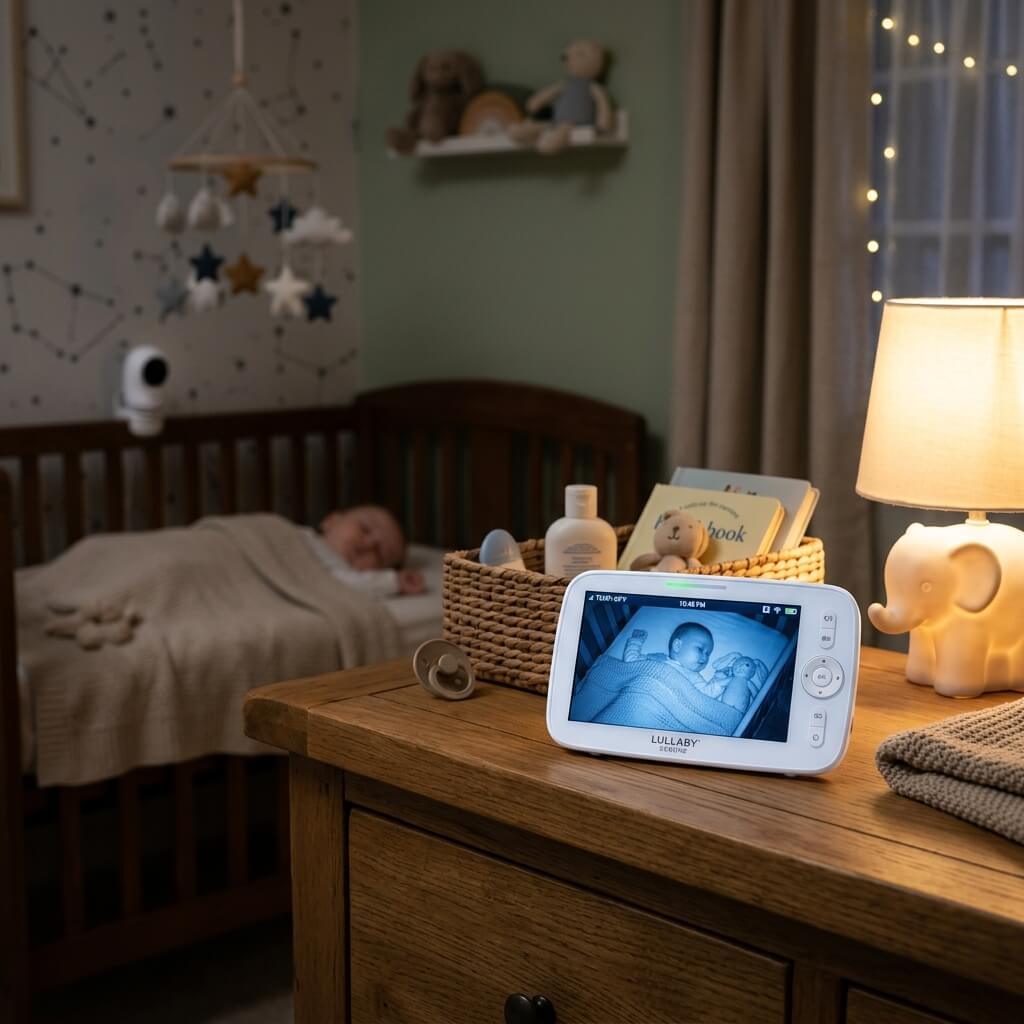
A no-WiFi baby monitor uses a closed, private radio frequency (usually FHSS or a similar dedicated wireless signal) to send video and audio directly from the camera to a handheld parent unit — with no router, no app, and no internet connection anywhere in the chain. Think of it as a modernized walkie-talkie: two devices talking only to each other, on a channel that isn’t reachable from outside your home.
That’s the opposite of a smart WiFi camera, which connects to your home network and, usually, a cloud server so you can view the feed remotely from an app.
Why Parents Are Choosing No-WiFi Monitors in 2026
- No hacking exposure. A camera that never touches your network or the internet can’t be remotely accessed by anyone outside your home — a real concern after multiple public incidents involving hacked WiFi baby cameras over the past several years.
- No subscription fees. Most no-WiFi monitors are a single purchase, with no monthly cloud storage or “premium features” paywall.
- More reliable connection. No dependency on your home WiFi’s strength or an internet outage — the signal is dedicated and doesn’t compete with other devices on your network.
- Simpler setup. Pair the camera to the parent unit once, and it just works — no app accounts, firmware updates, or router settings to troubleshoot.
- Privacy by design. Footage is never uploaded anywhere; it only ever exists on the closed link between camera and screen.
What to Look For in a No-WiFi Baby Monitor
- Screen size — ranges from 4.3″ up to 7″ among current models; bigger screens make it easier to actually see detail at night, but add bulk to the parent unit.
- Number of cameras — if you’re monitoring multiple rooms or multiple kids, look for models that support 2–4 cameras with true split-screen viewing, not just single-camera scanning.
- Battery life — look at both continuous video mode and standby/audio-only mode; the gap between the two is often huge (some models run 13 hours on video but 2 full days in audio-only VOX mode).
- Real-world range — treat every advertised range number skeptically. Brands frequently list best-case, line-of-sight figures that drop significantly once walls and floors are involved; a monitor advertised at 3000+ feet often performs closer to half that indoors.
- Pan-tilt-zoom control — the ability to remotely move the camera from the parent unit (not just a fixed lens) makes a real difference for actually seeing your baby without walking into the room.
- Extra features — AI cry detection, adjustable noise cancellation, two-way talk, white noise/lullabies, and temperature sensors are increasingly standard even on no-WiFi models.
Top No-WiFi Baby Monitors to Consider
- Jartoo 2K 5.5″ Monitor — a strong all-rounder with AI cry detection, adjustable ANC, and dual cameras; our full review covers real-world battery and range testing.
- HelloBaby HB6560-2 — 6″ true split-screen display, ideal for watching two rooms or twins side-by-side at once.
- HelloBaby 4-camera kit — the most cost-effective way to cover a large home, with four cameras included in one box.
- Comfyer BM01 — the largest screen (7″) in this category, with the longest standby battery life of the group.
- Pignynt — the longest advertised range, and flexible enough to double as an elderly or pet monitor.
(For full specs and pricing considerations on each, see our complete 7-monitor comparison guide.)
No-WiFi vs. WiFi: Which Should You Actually Choose?
Choose No-WiFi If You…
- Want zero risk of remote hacking
- Don’t need to check in while away from home
- Prefer a one-time purchase, no subscriptions
- Want the most reliable, lowest-latency connection
- Like a dedicated screen over a phone app
Choose WiFi If You…
- Want to view the feed from work or while traveling
- Like sharing access with multiple family members remotely
- Want cloud backup of footage and clips
- Are comfortable with encrypted, security-conscious brands
- Prefer app-based AI features like auto-tracking
Frequently Asked Questions
Is a no-WiFi baby monitor as good as a WiFi one? For in-home monitoring, yes — often better, since the dedicated signal tends to be more reliable than a shared home WiFi connection. The trade-off is simply no remote access away from home.
Can a no-WiFi baby monitor still be hacked? Practically speaking, no. Since it never connects to the internet or your home network, there’s no remote pathway in — the signal only exists between the camera and its paired parent unit.
What’s the real range of a no-WiFi baby monitor? Advertised ranges (often 1000–3600+ feet) are measured in open, line-of-sight conditions. Indoors, with walls and floors, expect meaningfully less — often 30–50% of the advertised figure.
Do no-WiFi monitors have night vision and cry detection? Yes — most current models include infrared night vision, and many now include on-device AI cry detection, without needing an internet connection to process it.
The Bottom Line
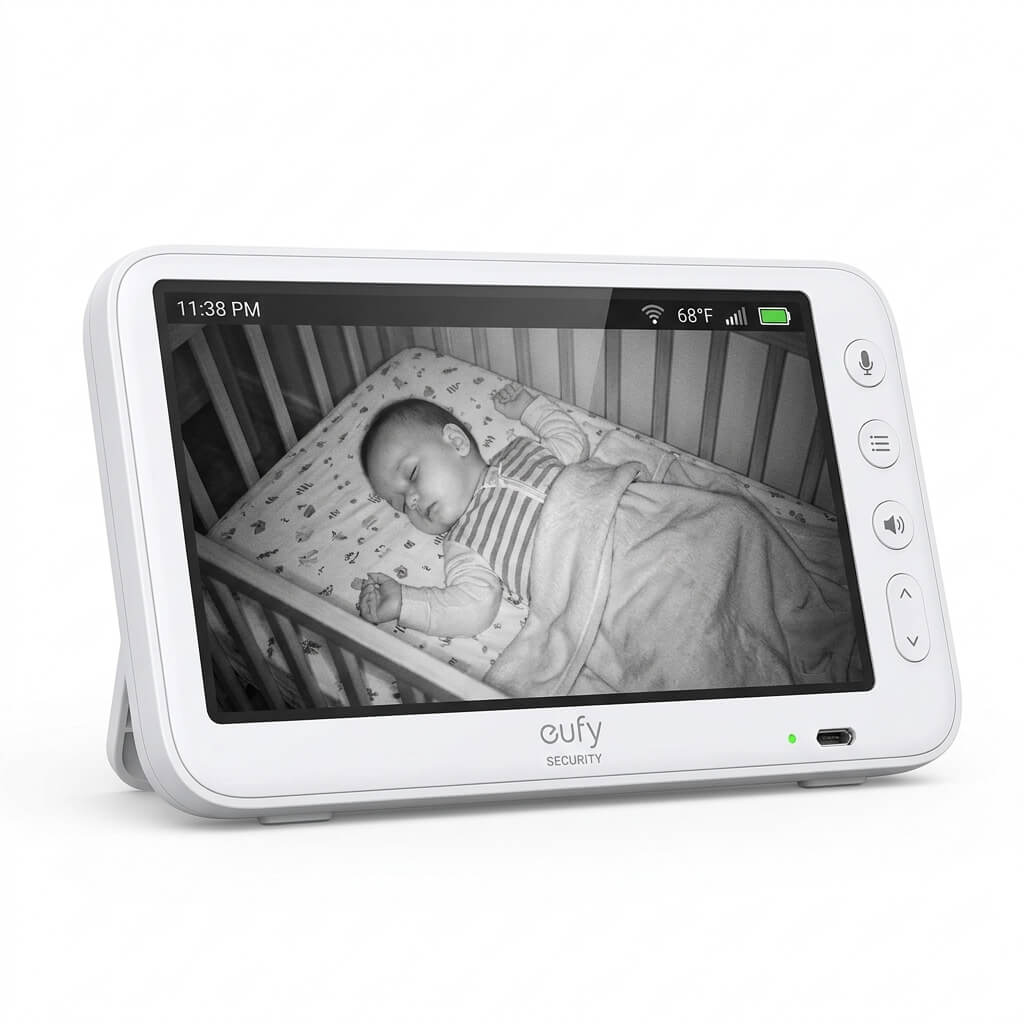
If your top priority is keeping your baby’s camera feed completely off the internet, a no-WiFi monitor remains the safest, simplest choice in 2026 — and the category has caught up significantly on features like AI cry detection, split-screen viewing, and battery life, so you’re no longer giving up much by skipping WiFi. Start with our full 7-monitor comparison to find the right screen size, camera count, and battery life for your home.